
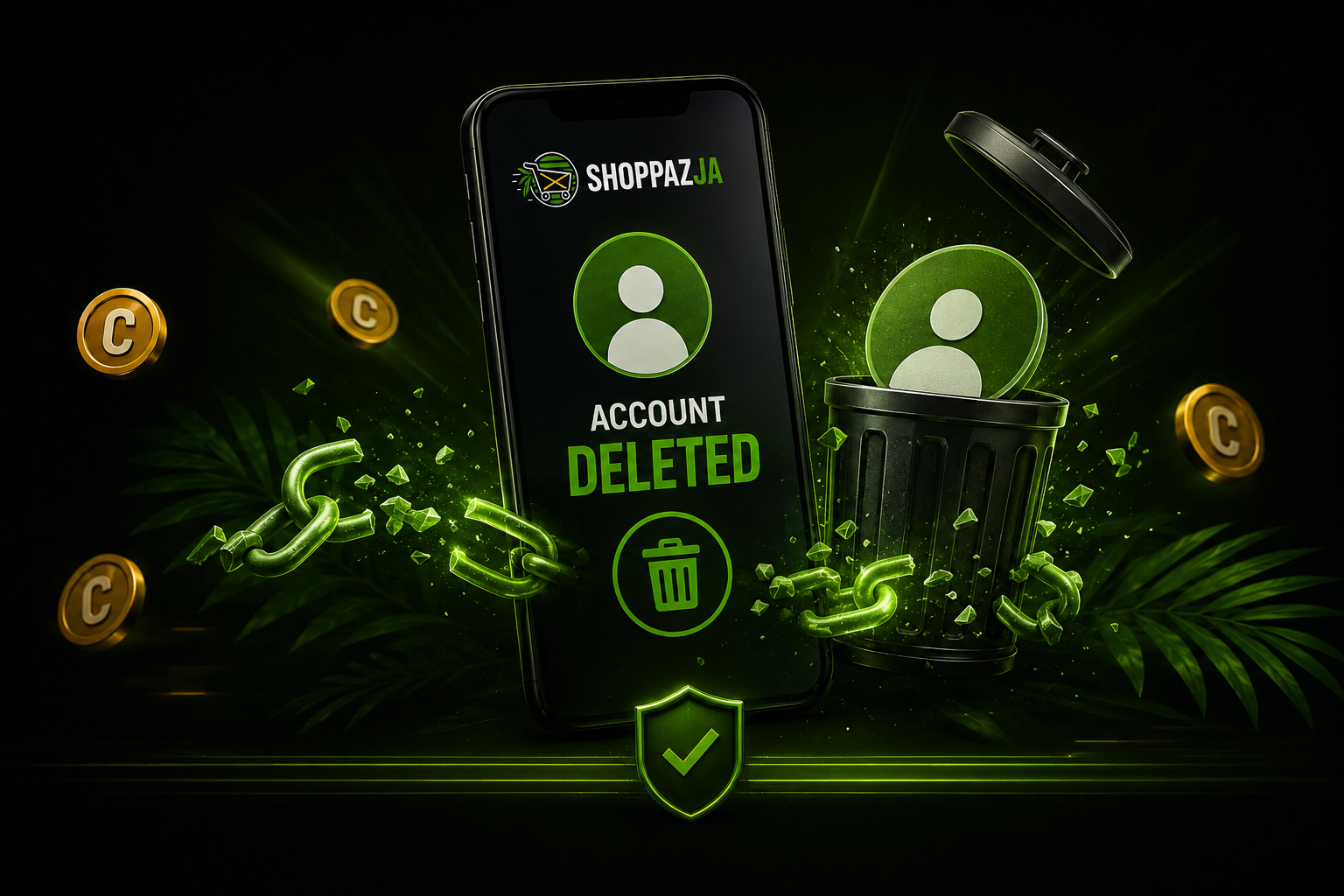
Account deletion
How to delete your Shoppaz JA customer account on the website or app, and what to expect after deletion.
Legal Entity Notice: Shoppaz JA is a brand/trade name operated by Bytora Limited. Bytora Limited is the merchant of record, and all contractual and legal liability for services is assumed by Bytora Limited.
This page explains how to permanently delete your Shoppaz JA customer account and what happens when you do.
How to delete your account (website)
- Sign in at /user/login using the email address and password for your customer account.
- Open your account dashboard (/user/dashboard). Use the left sidebar on desktop or the account menu on mobile.
- Select Delete Account (may appear as Remove Account).
- Read the confirmation message, then confirm. You will be signed out and your customer profile will be removed from the portal.
After deletion
- You will lose access to package history, tickets, and other customer-only features tied to that login.
- Some records may be retained where the law or legitimate business operations require it (for example accounting, tax, fraud prevention, or open disputes). For questions, open a support ticket before you delete your account if you need copies of information.
How to delete your account (mobile app)
- Sign in to the Shoppaz JA mobile app.
- Open Settings.
- Select Account Security.
- Tap Delete account and follow the confirmation prompts. You may be asked to enter your password.
Mobile app
If you use the Shoppaz JA mobile app, sign in and use the in-app account or profile settings. Where the app offers Delete account, follow the prompts; you may be asked to confirm with your password.
Contact Us
For all return or refund requests:
📧 support@shoppazja.com
📞 876-788-8816
💬 WhatsApp: Available during business hours
Legal Entity Notice
Shoppaz JA is a brand and trade name operated by Bytora Limited.
Bytora Limited is the merchant of record and assumes all contractual and legal liability for services provided.